Beautiful invitations for life’s most special moments.

Create your invitation, manage your guests and collect RSVPs — all in one simple place.

Ready in minutes. No app for your guests to download.

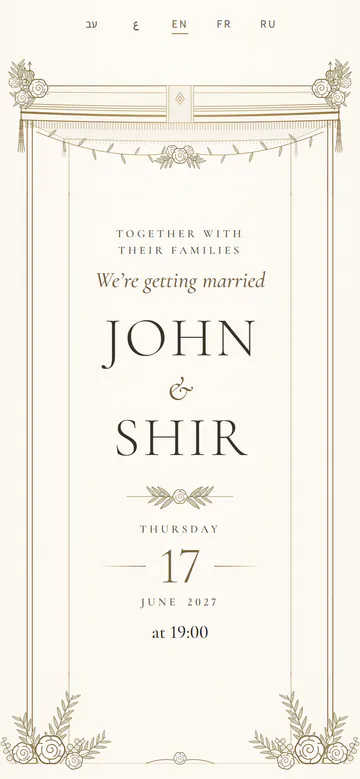
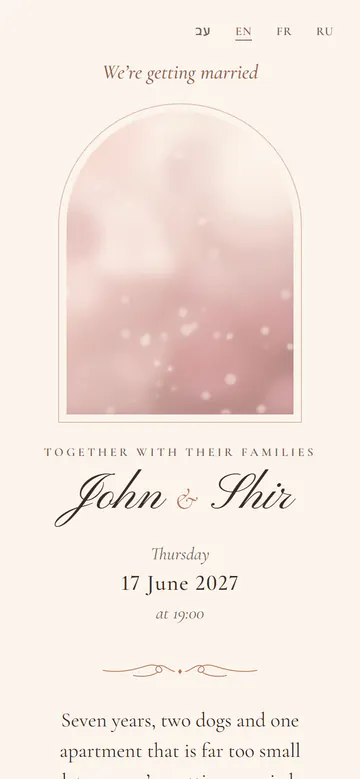
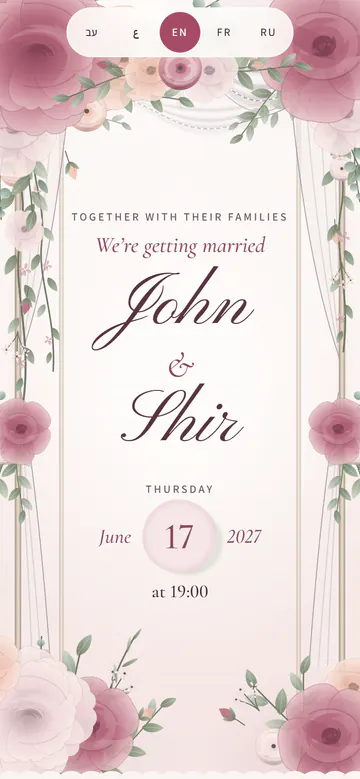
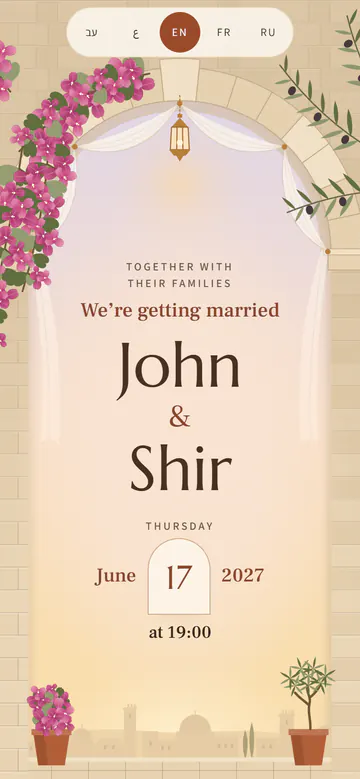
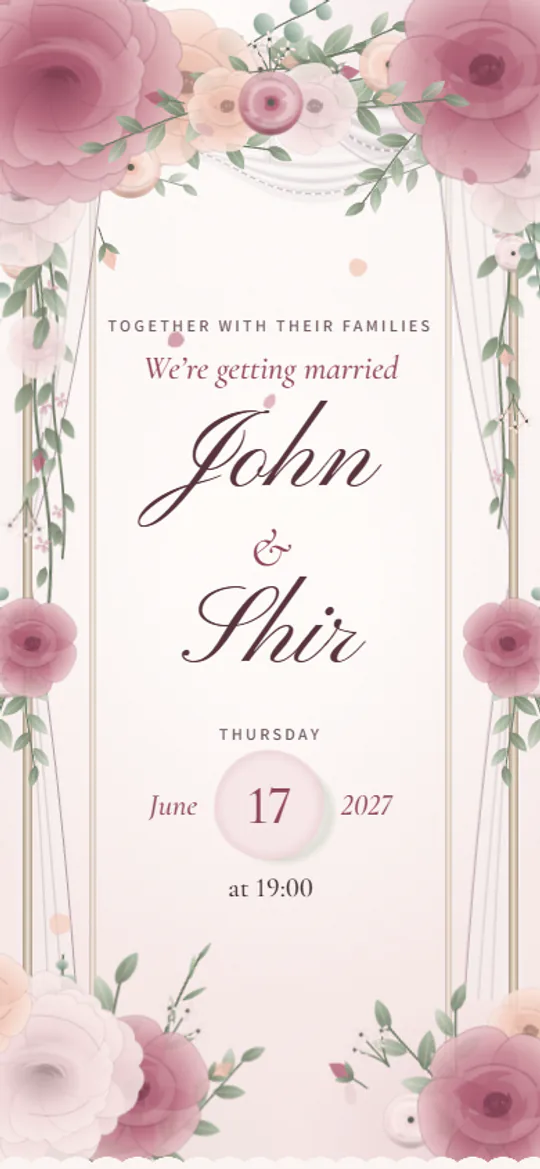
Example invitation in the Chuppah in bloom design: Wedding
New: Chuppah in bloom

Choose your design

Every design works in Hebrew, Arabic, English, French and Russian, on any phone.

Filter by celebration
  • Chuppah in bloom, New

    A chuppah of roses and peonies, soft white drapes stirring in the breeze and petals drifting down.

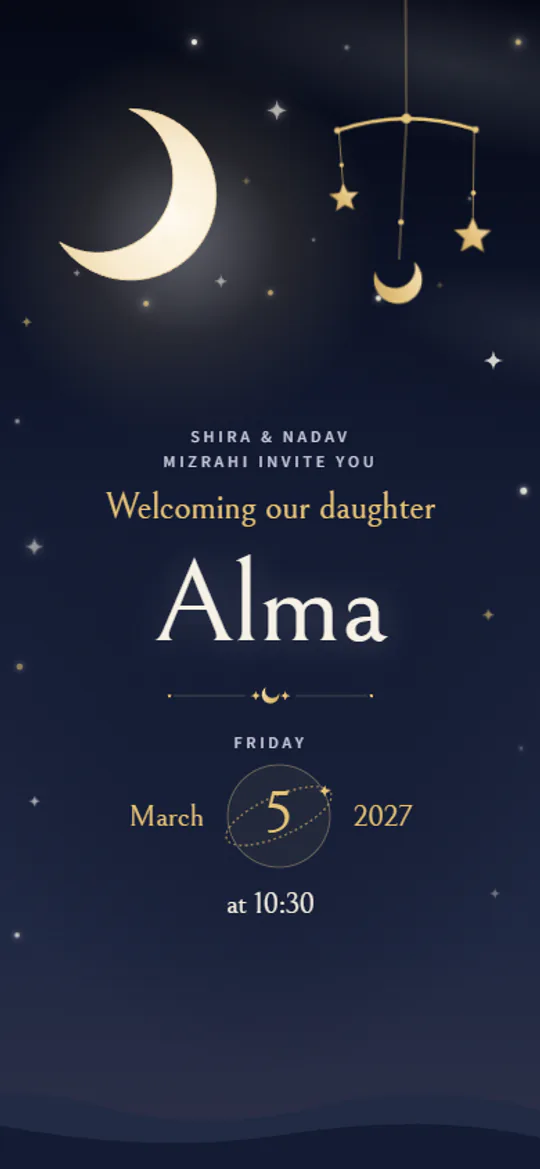
  • Starlight, New

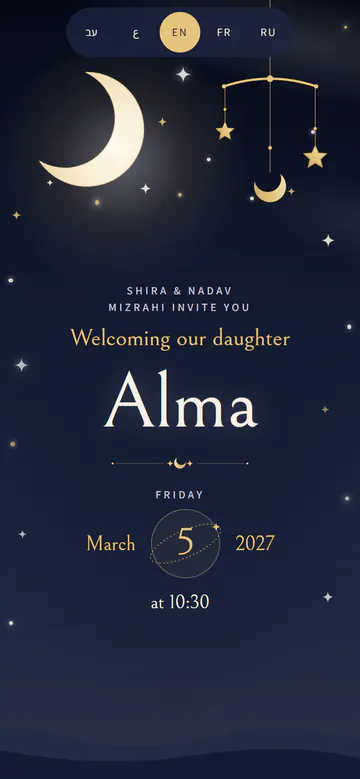
    A glowing crescent, a gently swaying mobile of stars and a twinkling night sky — soft, elegant and full of light.

  • Royal henna, New

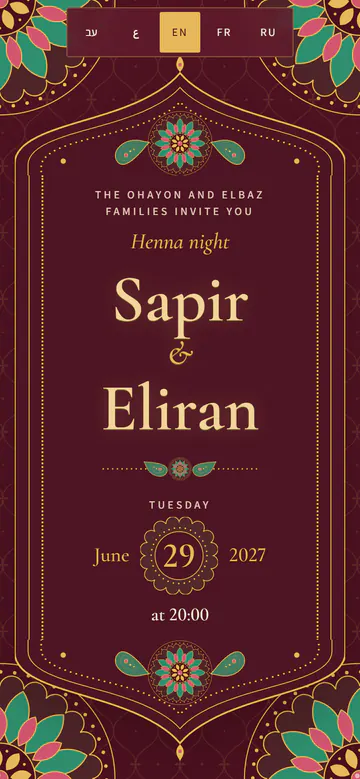
    Mandala rosettes, paisleys and gold filigree on jewel-toned cloth — festive, rich and regal.

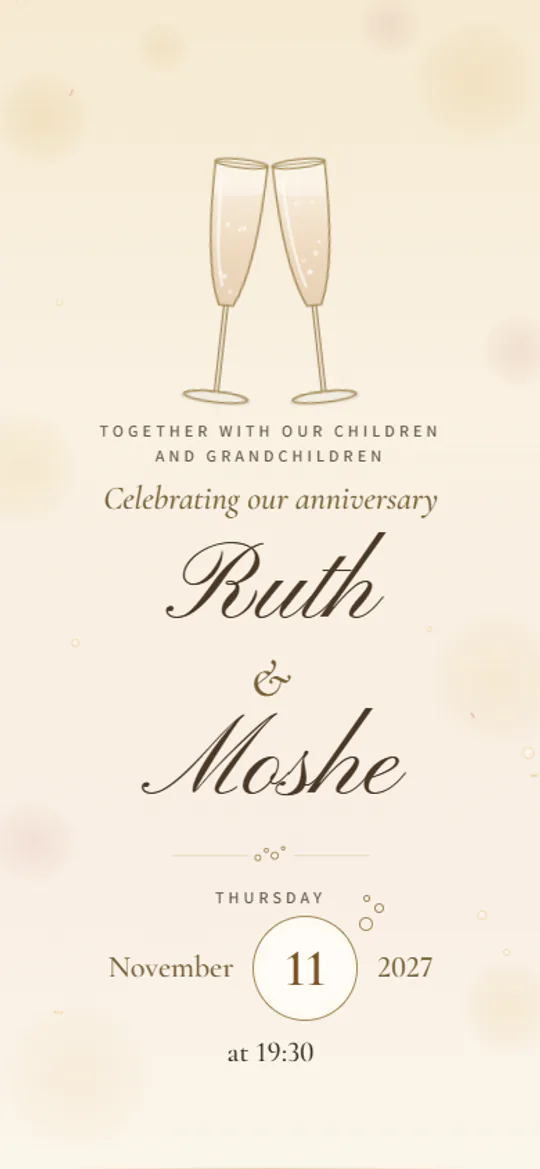
  • Toast, New

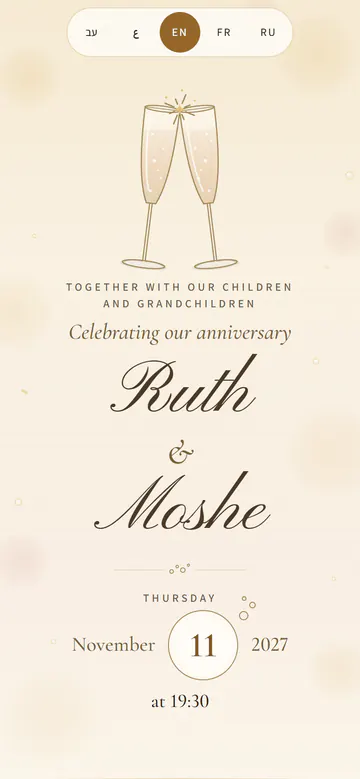
    Two champagne flutes clink, bubbles rise slowly and a little gold sparkles — festive, elegant and joyful.

  • Golden chuppah, New

    A fine gold line drawing: a fringed tallit chuppah, white roses, olive sprigs and lots of air.

  • Jerusalem evening, New

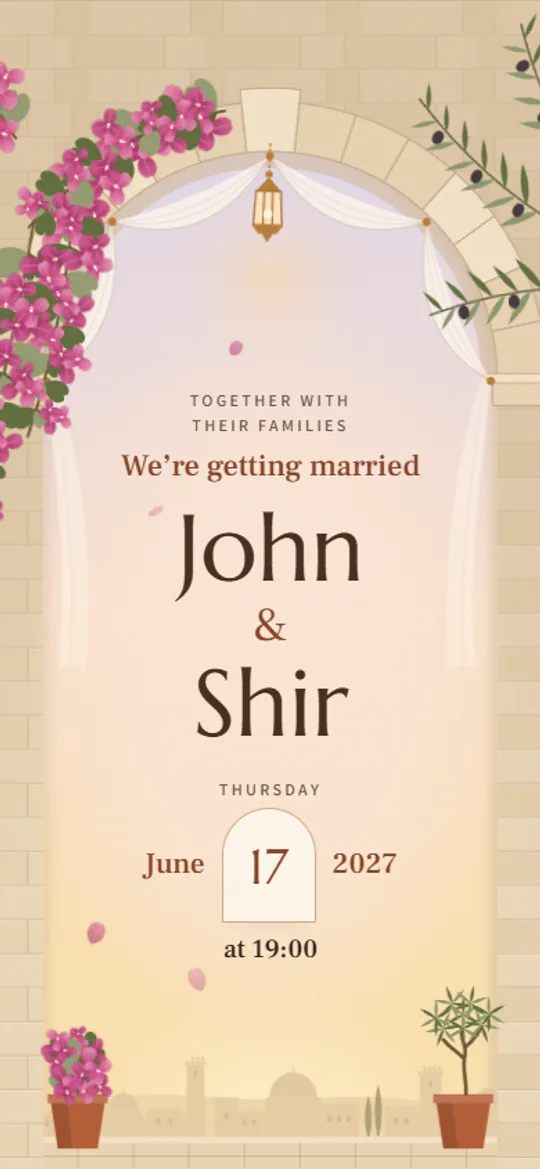
    A chuppah under a Jerusalem-stone arch in the evening light, with bougainvillea and olive branches stirring in the breeze.

  • Garden

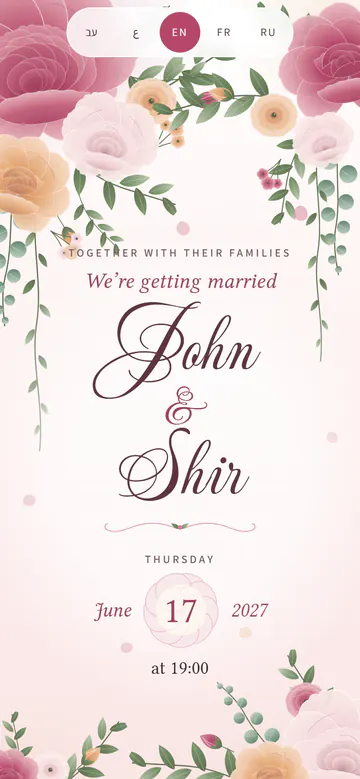
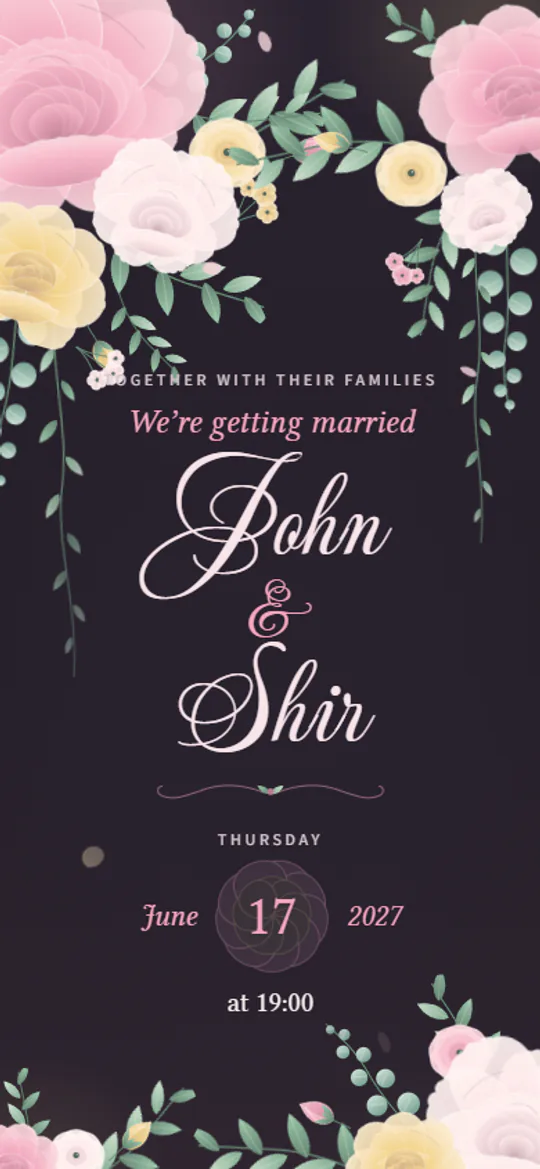
    A lush garland of peonies and roses swaying in the breeze, with petals drifting down.

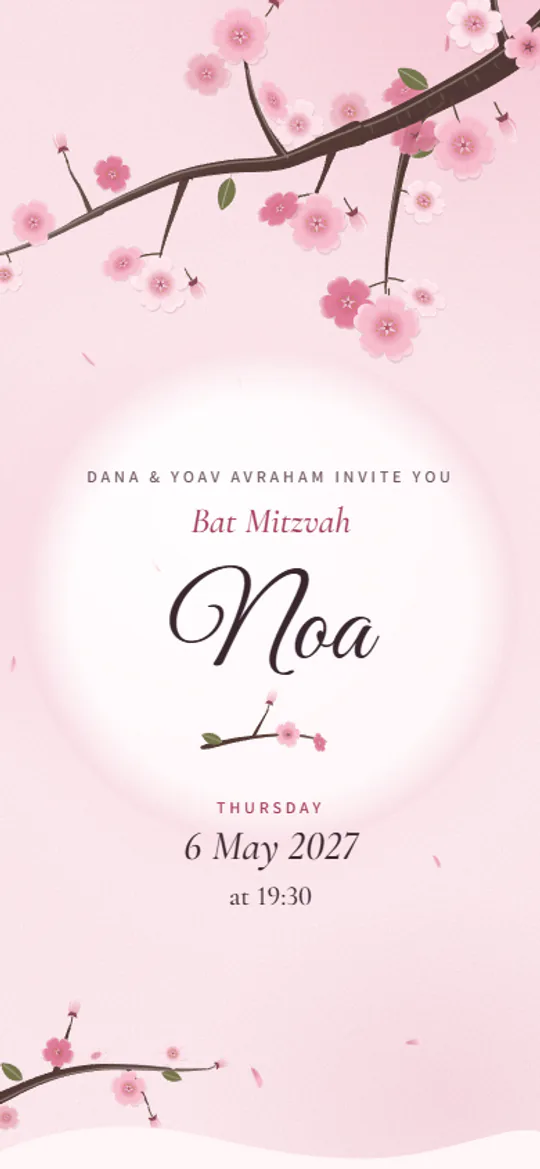
  • Blossom

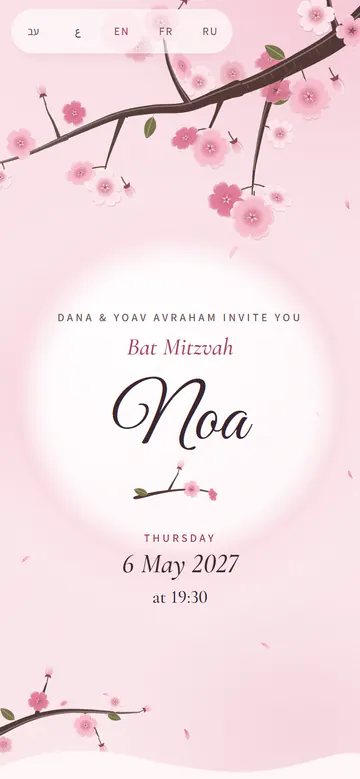
    A flowering cherry branch with petals floating down — soft, romantic and alive.

  • Balloons

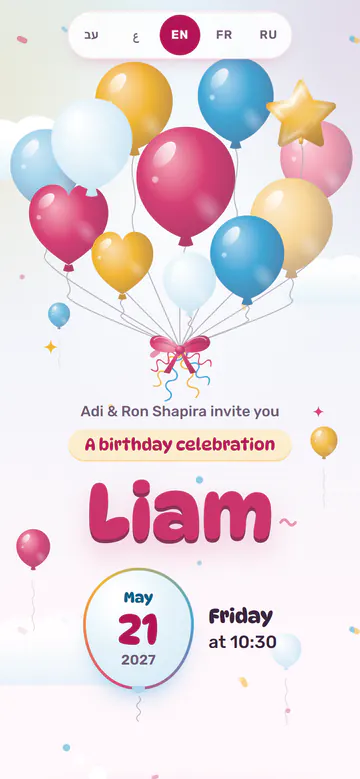
    Glossy balloons floating up, confetti and a happy sky — for birthdays and parties.

  • Flow

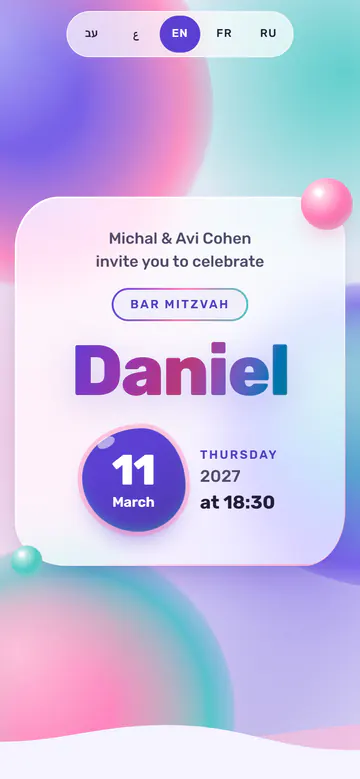
    Liquid colour that slowly morphs and glows — modern, soft and vivid.

  • Little cloud

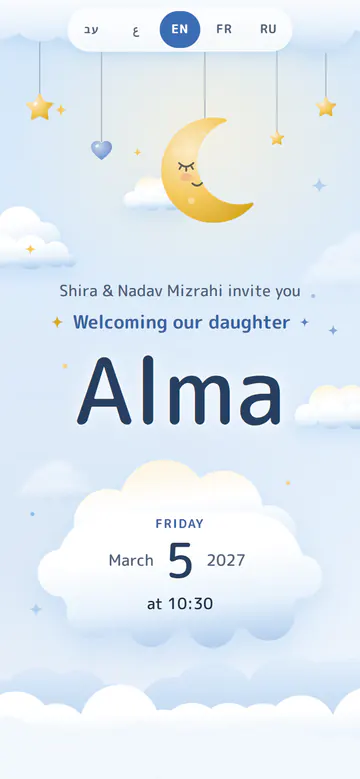
    Fluffy clouds, twinkling stars and a sleepy moon in pastels — for welcoming a baby.

  • Luxury

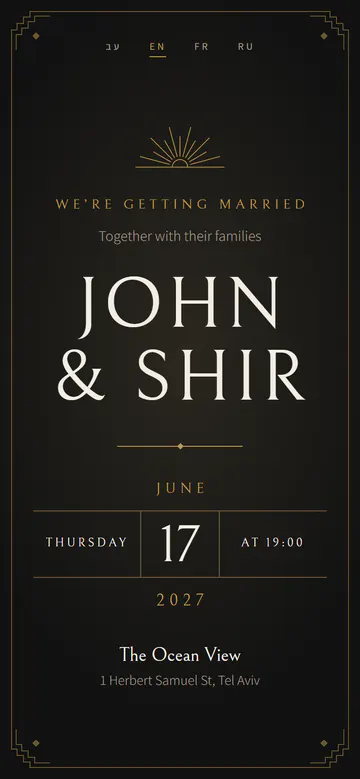
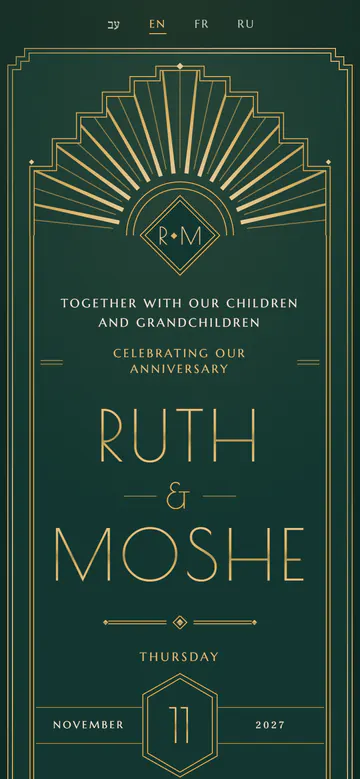
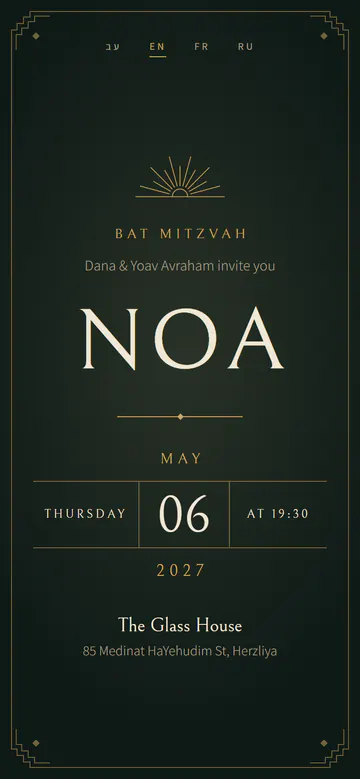
    Dark ground, fine gold lines, an evening mood.

Create in three simple steps

  1. Choose a design

    Start from a design made for your celebration.

  2. Personalize your event

    Names, date, place and photos. Done in minutes.

  3. Share & manage RSVPs

    Send it on WhatsApp and watch the answers arrive.

Everything in one simple place

  • Your invitation

    Beautiful designs, completely yours.

  • Your guests

    See exactly who’s coming, and how many people with them.

  • WhatsApp

    One invitation for everyone, in a single message, and a gentle reminder.

  • RSVP

    Answers arrive the moment guests reply.

  • Seating

    Seat everyone in one tap, each group together, with a printed list for the entrance.

  • Languages

    Hebrew, Arabic, English, French and Russian, translated for you — right to left done right.

Seen on a phone

This is what your guests receive. Tap through, answer, done.

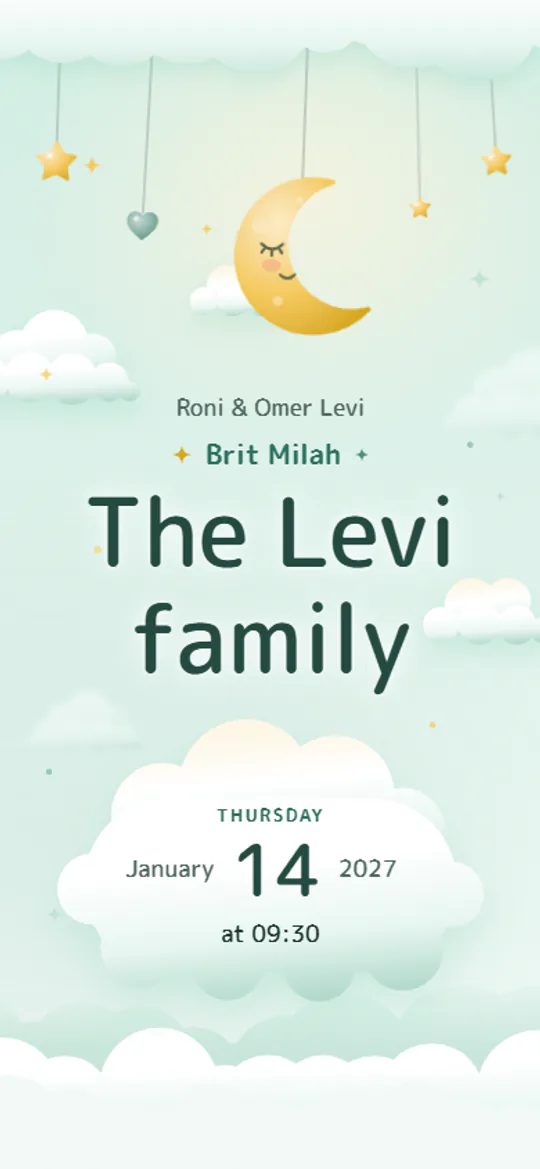
  • Example invitation in the Little cloud design: Brit Milah

    A Brit Milah under the clouds

  • Example invitation in the Garden design: Wedding

    A garden wedding by night

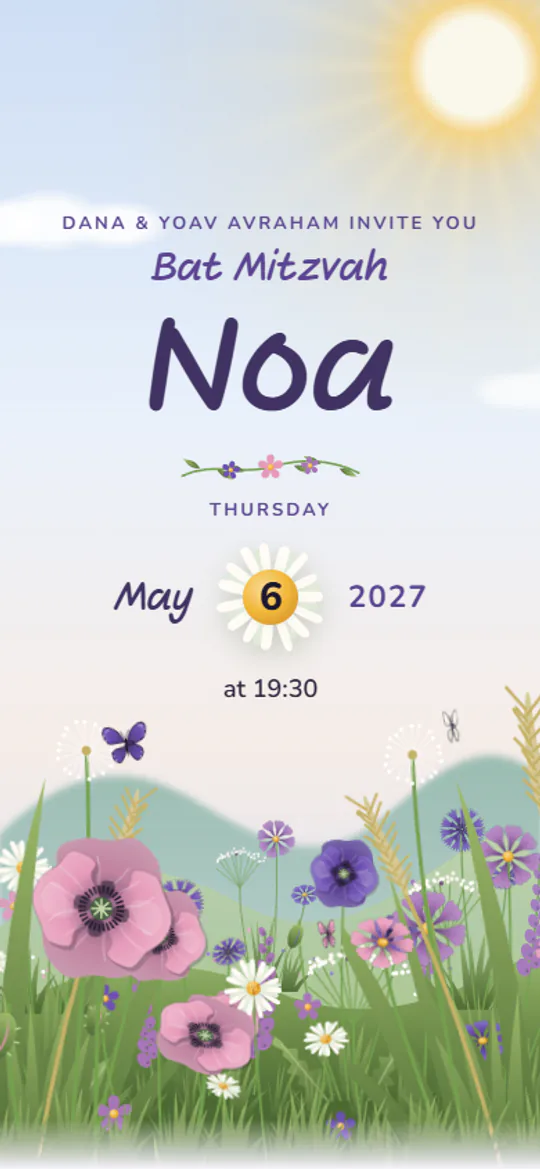
  • Example invitation in the Meadow design: Bat Mitzvah

    A Bat Mitzvah in bloom

One simple price

Everything for your event, with a one-time payment. No subscriptions to remember.

Questions

How much does it cost, and when do I pay?

Creating, editing and previewing are free. You pay once, only when you publish: ₪239 per event, everything included, no subscription. Seating is an add-on for ₪75, now or later.

Do my guests need to download anything?

No. The invitation opens in any browser, on any phone. Guests answer in a few taps.

How do guests RSVP?

Right on the invitation: they write their name, say whether they’re coming and how many people, and the answer lands in your list at once. They can come back and change it.

How do I send it on WhatsApp?

Yourself, from your own WhatsApp, free: add the numbers (type them, paste a list, upload an Excel file, or on Android pick them from your contacts) and send to each in one tap. You can also share one link in a group. Rather have us send it? Automatic sending from the KAL Events number is an add-on, priced on request.

Can I change details after I’ve sent it?

Yes. Words, date, time, place, photos, music and design, at any time. The link stays the same, and guests always see the latest version. Each invitation is for one celebration: the names can be corrected, but not swapped for another event’s.

Can the invitation be in more than one language?

Yes. Write it in Hebrew, Arabic, English, French or Russian, and add others in a tap: we translate them for you, you can change every word, and guests choose their language.

How long does the invitation stay online?

Until 30 days after the event. Then the link stops working and the photos and songs are deleted; your guest list and answers stay in your account. Event postponed? Just move the date.

How do I pay, and do I get a receipt?

You ask for a secure payment link from your invitation (“Send me a secure payment link”) and choose how to pay: an Israeli credit card (not Diners) or Bit. On the payment page of Atzmai Sachir (עצמאי שכיר) you may also be offered to pay in installments; the total is the price shown. Atzmai Sachir sends you the link by SMS, and it also issues your receipt or invoice. Your invitation goes live at its address the moment we confirm the payment arrived, and at that same moment guests, messages, seating, statistics and settings open (until then they are a preview only). Have a discount code? Enter it before you send the request.

Can I cancel and get a refund?

Before the invitation is published: yes, within 14 days, less a cancellation fee (5% or NIS 100, whichever is lower). Once it’s published, the service has been given and it can’t be cancelled. This doesn’t affect your rights to cancel and to a refund under the Consumer Protection Law. Full details on the “Cancel a purchase” page.

Who can see my guest list?

Only you. Guests see the invitation and their own answer, never the list, and invitations are hidden from search engines.

Need help?

Write to us at contact@kal-events.date and we’ll help. If you can’t make the invitation yourself, we’ll make it for you.

Didn’t find your answer? Write to us
Your event starts here.

Create invitation