Digital wedding invitation with online RSVP
Your wedding invitation, on every guest’s phone. Send it on WhatsApp, and you see each answer in your guest list the moment a guest replies. Choose the design, add your photos and music, and preview it all for free.
Designs for this celebration
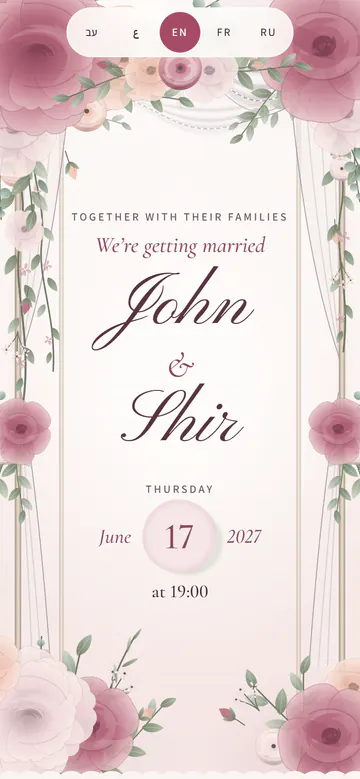
Chuppah in bloom, New
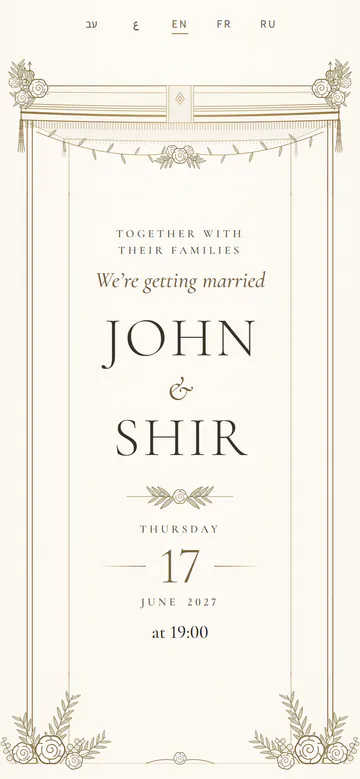
Golden chuppah, New
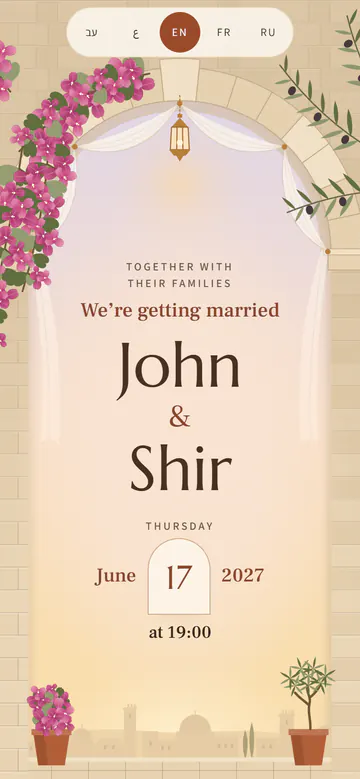
Jerusalem evening, New
Garden
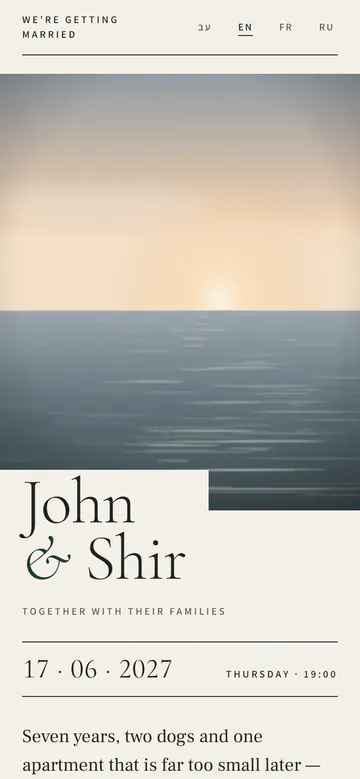
Editorial
Mediterranean
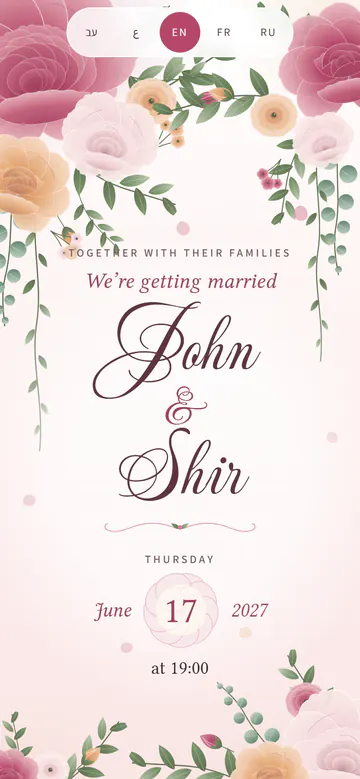
Bloom
Art Deco



What your invitation does
Know your numbers
Each guest answers coming or not coming and says how many people come with them. Your guest list and statistics update with every answer, with no guest limit.
Family in Israel and abroad
Write the invitation once and add up to five languages: English, Hebrew, Arabic, French and Russian. It’s translated automatically, and each guest reads it in their own.
The whole evening on one page
Reception, chuppah, dinner and dancing, each with its time. Guests find the venue with Waze or Google Maps and add the date to their calendar in a tap.
How it works
Choose a design
Start from a design made for your celebration, or any design you love.
Add your details
Names, date, place, words, photos and music. It takes a few minutes, and previewing is free.
Publish and send
Pay once, publish, and send the link on WhatsApp. The answers come straight to your guest list.
Questions
Can we plan the seating from the answers?
Yes, with the seating add-on for ₪75: set up your tables, let automatic seating place the guests who are coming, then print the plan and an entrance list. You can add it later, once most answers are in.
Can the invitation show the Hebrew date?
Yes. Add Hebrew to the invitation, and its Hebrew version shows the date in the Hebrew calendar too, right next to the regular one.
How much does it cost?
Creating, editing and previewing are free. You pay once, only when you publish: ₪239 per event, everything included, no subscription. Seating is an optional add-on for ₪75, now or later.
Do guests need to download anything?
No. The invitation opens from its link on any phone, and answering takes a few taps. It stays online until 30 days after the event.
How do I send it to my guests?
From your own WhatsApp, for free: share the link in a group, or send each guest a personal link. Answers arrive in your guest list the moment guests reply.